 DailyWall
 Journal
 Water the plants
In DailyWall, tap + → Set up a habit → Journal. Choose how much you'll write (a few lines, a page, or as much as you like) and where (a notebook or your phone). For a gratitude practice, choose Gratitude note and set how many things to list, from 1 to 5.
Most journals die the same way: a beautiful first entry, a few more, then empty pages that make you feel guilty every time you see the notebook. The fix isn't a better journal; it's a smaller promise and a reminder you can't miss. DailyWall's journaling habit puts a paper on your Lock Screen in the evening that simply says "Journal: a few lines". That's it. A few lines is something you can do even on your worst day.
Why journal at all?
Writing things down does something that thinking about them doesn't: it slows your thoughts to the speed of your hand. Many people find that a few minutes of journaling helps them make sense of a busy day, notice patterns, and put worries somewhere other than their head at bedtime.
Journaling is also a record. Months later, flicking back through a few lines a day shows you how much has changed, and how many worries quietly solved themselves. It's not therapy and it doesn't need to be profound; it just needs to happen.
Journaling vs gratitude notes
DailyWall has two templates in the Mind category, and they suit different moods.
Journal is open-ended. You decide how much: a few lines, a page, or as much as I like, and where: in a notebook or on your phone. It defaults to 9:30pm, when the day is mostly done.
Gratitude note is narrower and faster. It asks how many things you'll write down, from 1 to 5 (3 by default), and each one fills a dot on the paper. If a blank page intimidates you, gratitude is a gentle way in, because the prompt is always the same: what went well today?
Tips for a journal that lasts
Tick the steps as you go
Set up your journaling habit in DailyWall
Tick the steps as you go
An evening note on your Lock Screen
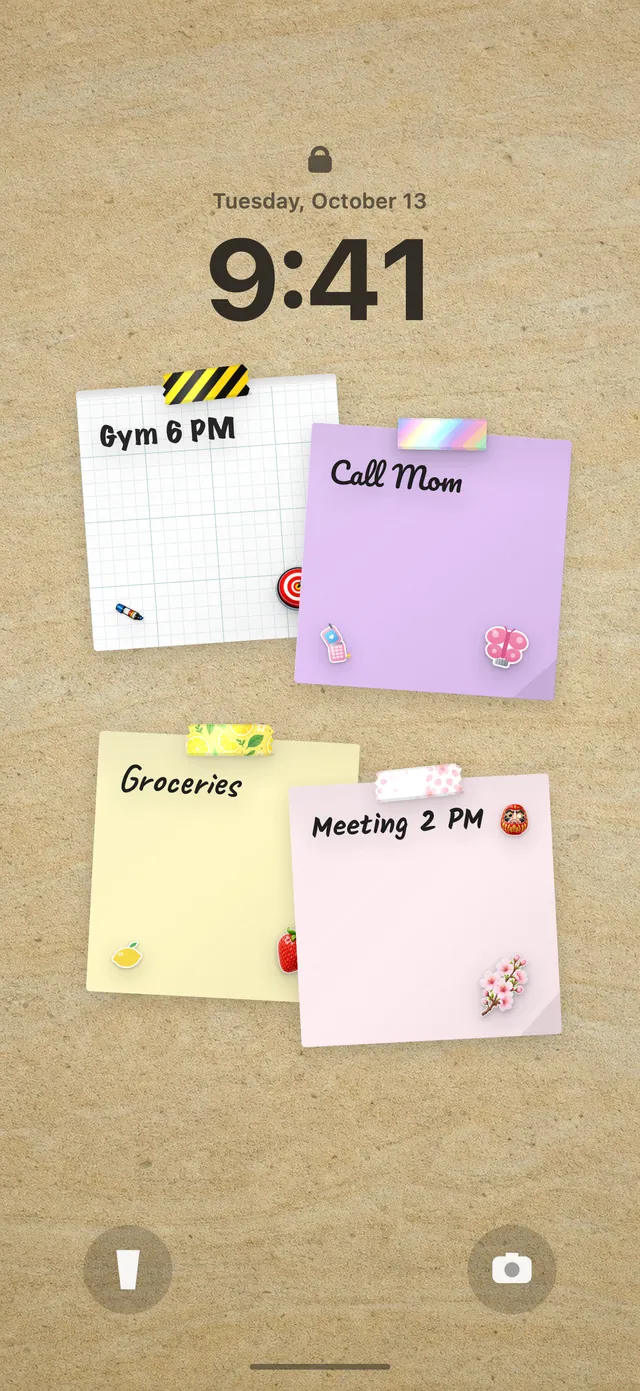
The journal paper appears on your wall by itself in the evening on the days you chose, with its own washi tapes and stickers that look a bit like a well-loved notebook. Because the wall is your Lock Screen wallpaper, you'll see it when you plug in your phone for the night, which is the perfect moment to write.
When you've written, tap + on the paper and close the app; the Lock Screen refreshes. A gratitude note shows one dot per thing, so "2 of 3" quietly asks for one more. If the Lock Screen wall is new to you, read how to put notes on your iPhone Lock Screen.
The nights you don't write
Empty pages are where most journals end, partly because they feel like evidence of failure. DailyWall doesn't keep that evidence in your face. A missed journal paper isn't carried over and there's no streak warning; it stays faded on its own day.
Don't try to catch up on missed days. Write about today, briefly, and carry on. A journal with gaps is still a journal.
A 7-day journaling starter plan
Tick the steps as you go
Questions people ask
How do I start journaling every day?
Make it tiny (a few lines), attach it to a fixed time like just before bed, keep the notebook visible, and use a simple prompt when stuck.
What should I write in a daily journal?
What happened, how you felt, one thing you're grateful for, or one thing you're looking forward to. There's no wrong content.
Is it better to journal on paper or on my phone?
Whichever you'll actually do. DailyWall asks where you'll write so the reminder fits; it doesn't store your journal entries.
How many things should I write in a gratitude journal?
Three is a popular number, but one specific thing is plenty. DailyWall's Gratitude note lets you choose 1 to 5.
Can I see my journaling habit on the Lock Screen?
Yes. The journal paper is part of your DailyWall wall, which is your Lock Screen wallpaper, so it shows in the evening on your chosen days.
 A water intake tracker you see every time you check the time
 A reading habit tracker that keeps your book in sight
 A workout tracker that shows up before your excuses do
 How to build a meditation habit that survives busy weeks
 How to fix your sleep schedule with one gentle bedtime habit
 A vitamin and medicine reminder that sits under the clock
 A daily walking habit you see every time you check the time
 A daily stretching routine you'll actually remember
 A no sugar challenge you see every time you pick up your phone
 How to wake up early (and keep doing it after the first week)
 A gratitude journal habit that takes two minutes a night
 How to build a language learning habit that survives busy weeks
 How to build a saving money habit, one small deposit a week