 DailyWall
A shared sticky-note wall for couples and friends.
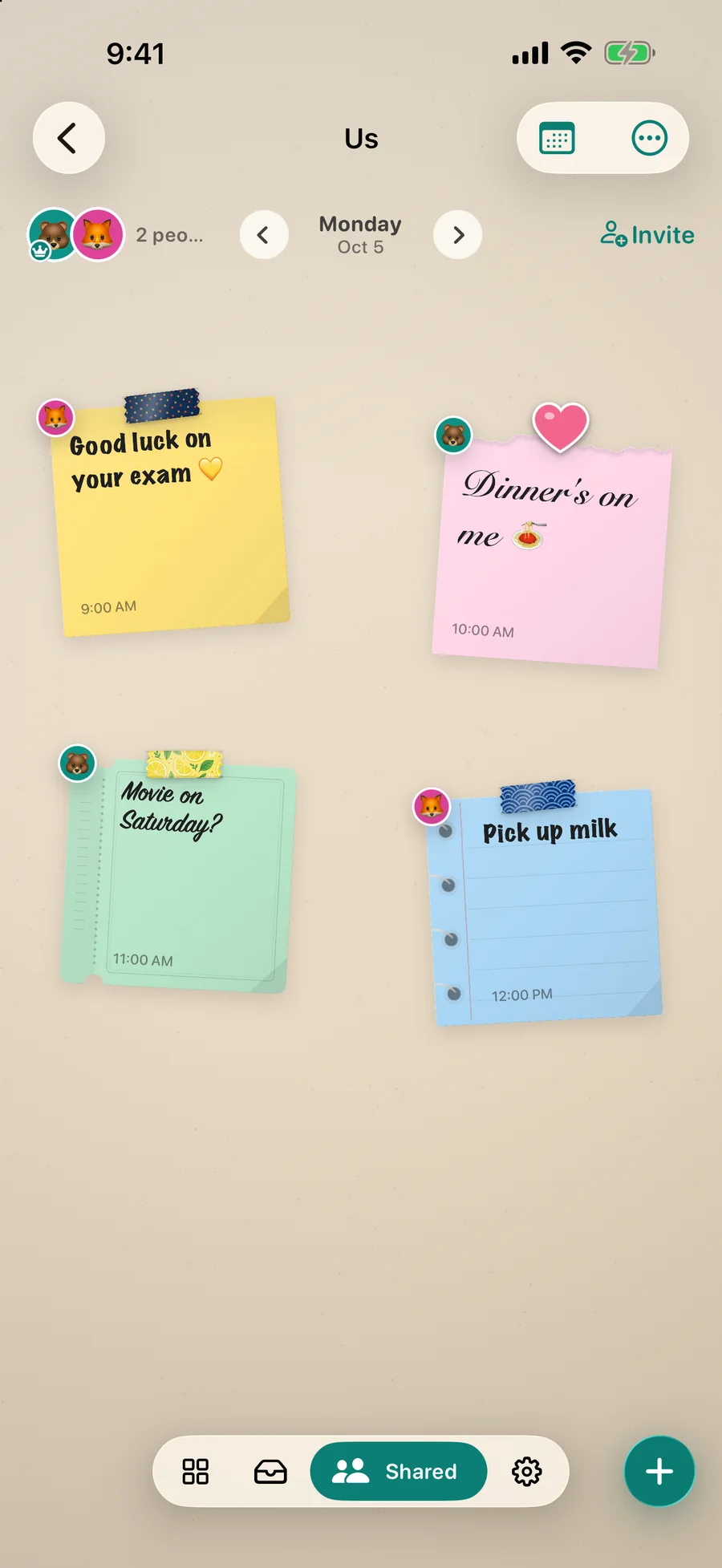
One wall for the two of you. Leave a “good luck on your exam”, ask “movie on Saturday?”, split the shopping. Their notes show up on your wall, your widget and even your Lock Screen.
Free to startNo accountiPhone & iPad · iOS 17+
Invite in one tap
Create a wall, then send the link in Messages or show a QR code. If your partner installs the app first, DailyWall offers to join as soon as it opens. Creating, inviting and joining are free.
Notes that feel like notes
Every note shows who hung it. Put a sticker on theirs as a reaction and they get a notification; replying is one tap away. It is the fridge door, in your pocket.
On your Lock Screen, too
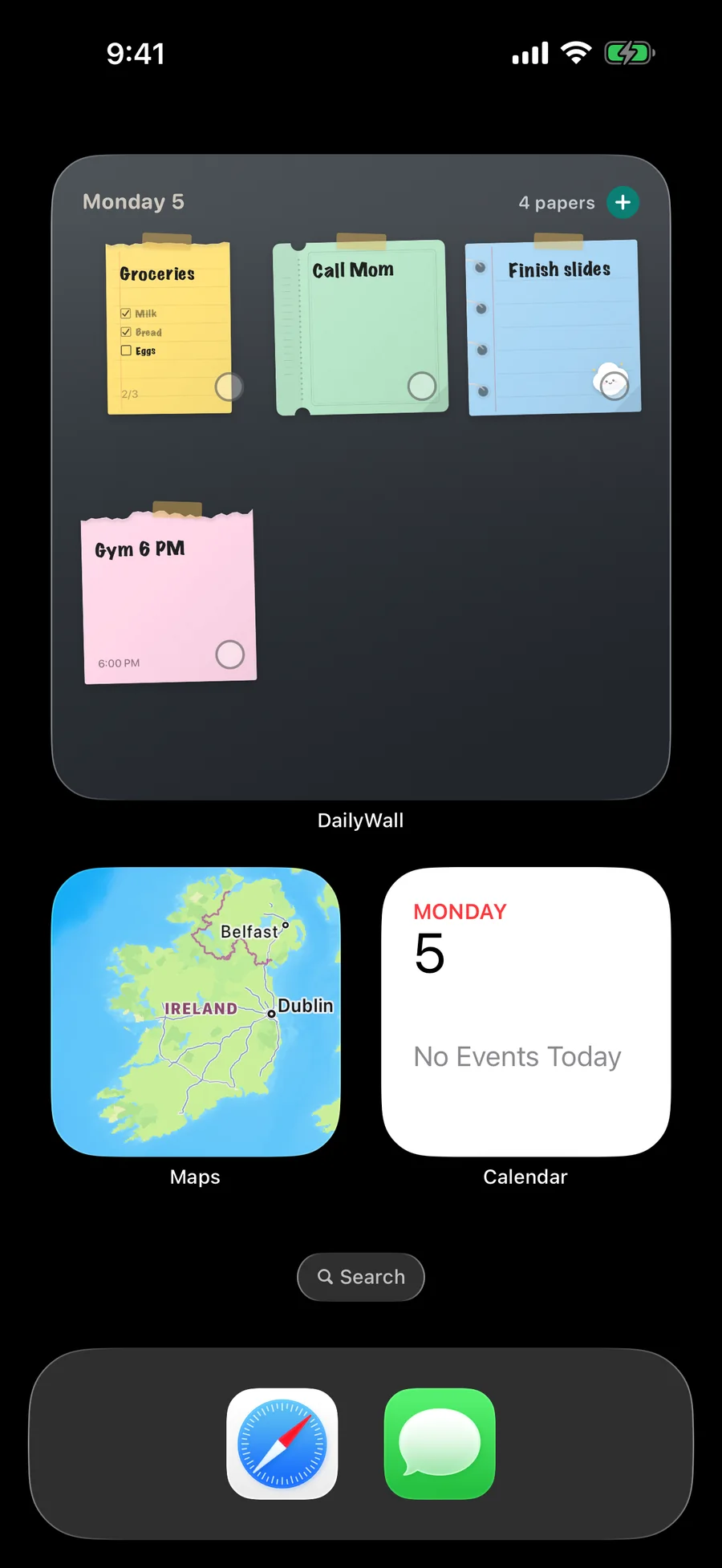
Pick a shared wall and its notes for the day sit next to your own on the Lock Screen, each with the author’s avatar in the corner. A widget for the shared wall is there as well.
Private by design
No account and no profile. Shared walls sync through Apple’s iCloud; only the people you invite can see them, and your personal wall is never shared.
Questions people ask.
Is there a couples widget for the Lock Screen?
Yes. A shared wall’s notes can appear on your Lock Screen next to yours, and the shared wall has its own Home Screen widget.
Does my partner need to pay?
No. Joining and posting are free: two notes a day on each shared wall. Pro removes that limit for whoever has it.
Can more than two people share a wall?
Yes: family, roommates, a trip with friends. Each note shows who hung it.
Make the most of your Lock Screen.
Put today on the wall.
Free to start. Five notes a day, every paper shape and handwriting, the Lock Screen wall. No account.