 DailyWall
Text that never changes: write it on a photo with Markup and set it as your wallpaper. One live line: a Lock Screen widget. Text that changes every day: let an app such as DailyWall rebuild the wallpaper from your notes.
Maybe you want your name on the Lock Screen, a quote that keeps you going, a reminder you cannot miss, or a “call this number if found” message. iOS does not have a text box for the Lock Screen, but there are four reliable ways to get words there. Pick by one question: does the text ever change?
Text that never changes: write it on your wallpaper with Markup
For a name, a word of the year or a favourite quote, a picture with the text on it is all you need, and the Photos app can make one.
Tick the steps as you go
One short line that stays current: a widget
The inline widget above the clock and the rectangular widgets below it show live text from an app: the next calendar event, a reminder, a note’s first line. They are small and single-colour, but they update on their own.
To add one, touch and hold the Lock Screen, tap Customize, choose the Lock Screen and tap the widget area. DailyWall’s Lock Screen widget can show one line of today’s notes, the next note or how many are left.
A message for whoever finds your phone
If the goal is contact details on a lost iPhone, do not put your phone number on your everyday wallpaper. Use Find My instead: from another device, mark the iPhone as lost and add a message and a number. iOS shows that message on the Lock Screen of the missing phone.
Medical ID is the other built-in Lock Screen text: set it up in the Health app and turn on Show When Locked so emergency services can reach it from the Emergency button.
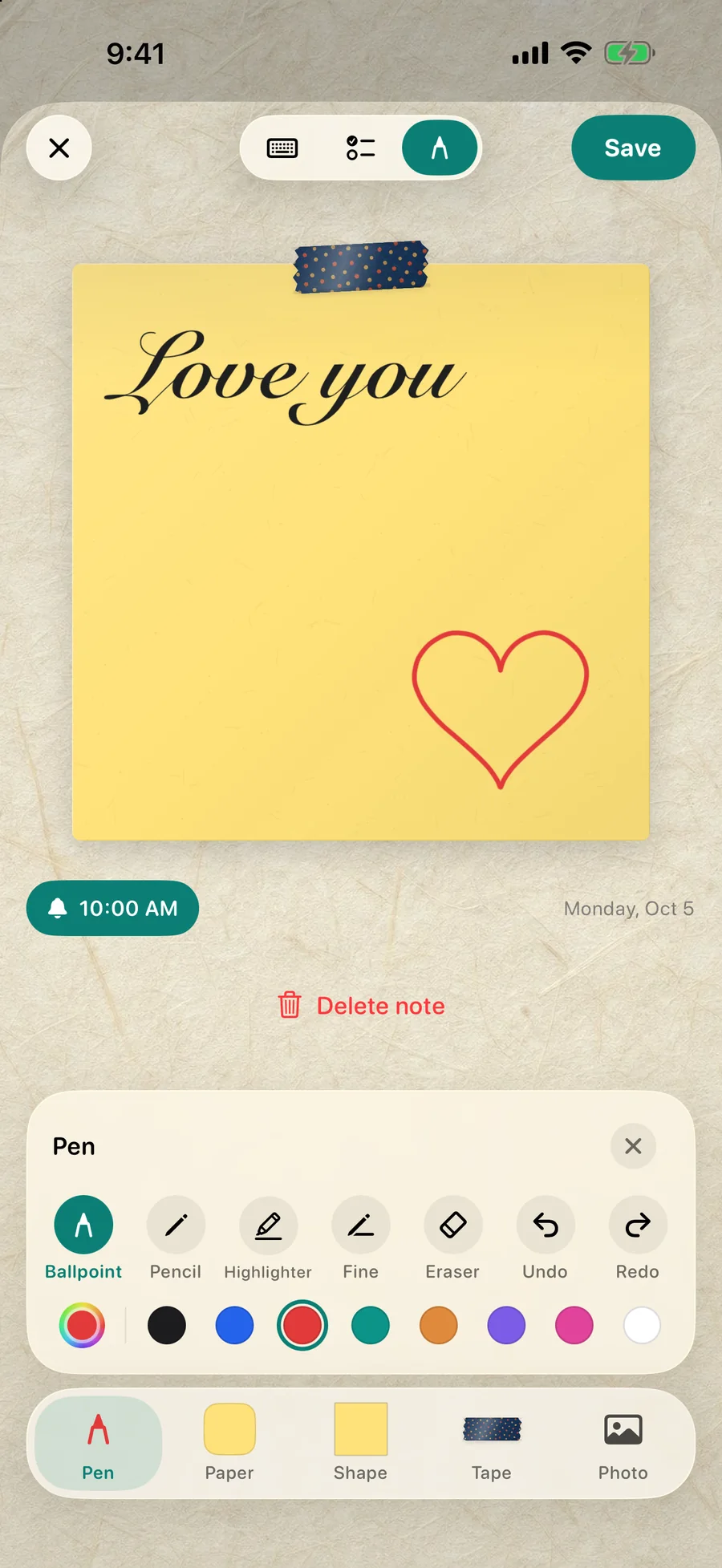
Text that changes every day: notes as your wallpaper
Reminders, plans and messages change. Remaking the wallpaper every time is a chore nobody keeps up with.
DailyWall makes the wallpaper from notes you write in the app. Write the text on a paper note, pick one of its handwriting styles and a paper colour, add a sticker if you like. A Shortcuts automation, set up once, makes that wall your Lock Screen whenever you close the app. Change the note and the Lock Screen follows.
Tick the steps as you go
Ideas for Lock Screen text
Your name in calligraphy on a soft paper colour.
A word of the year: one word, big, nothing else.
An affirmation or a quote you want to read twenty times a day.
Today’s single most important task.
A note from your partner: with a shared wall in DailyWall, their notes can appear on your Lock Screen next to yours.
Fonts and styles that look good on a Lock Screen
Handwriting styles feel personal and soften a minimal wallpaper; they work best for short words such as a name or a word of the year.
Typewriter and monospace styles look tidy for lists and dates.
Bold marker styles read best from a distance, for example on a phone in StandBy or on a desk.
Match the clock: in Customize, tap the time and pick a colour from your text or note, so the screen looks designed rather than assembled.
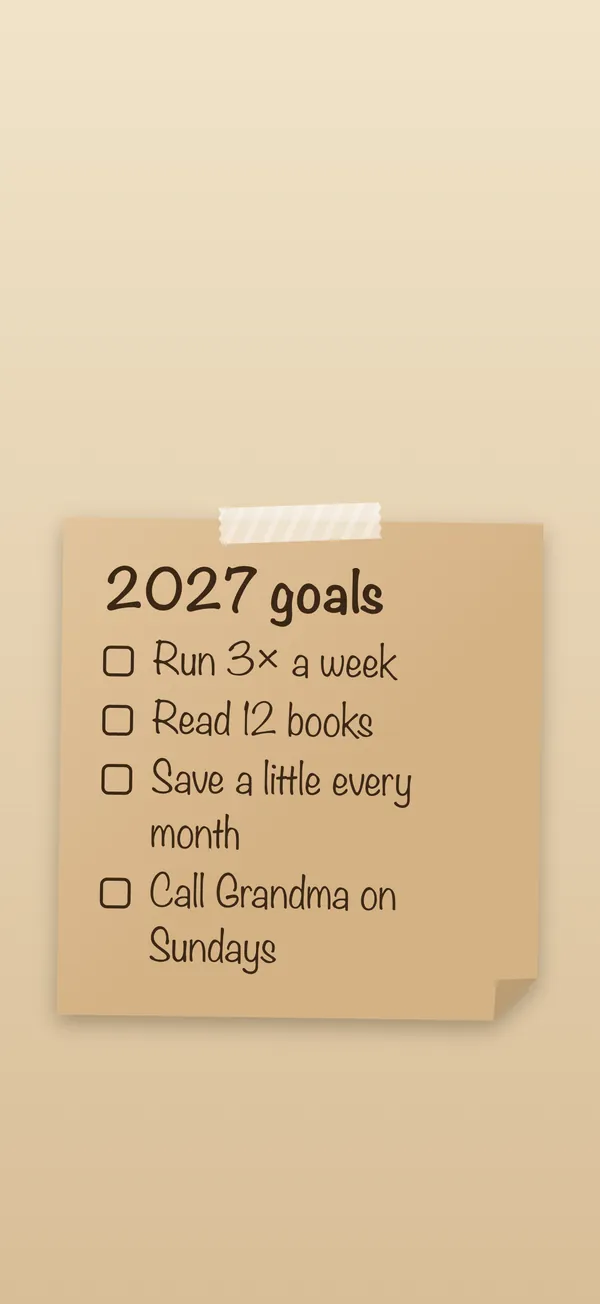
Make it readable
Keep the top third clear: iOS draws the date, time and widgets there. Keep the bottom strip clear for the flashlight and camera buttons.
Contrast beats style. Dark text on a light note, or light text on a dark one. Avoid busy photos behind small text.
Short is sweet. Five to eight words are read at a glance; a paragraph is not read at all.
Questions people ask
Can I write on my Lock Screen without an app?
Yes, with Markup in the Photos app: add text to a photo and set it as your wallpaper. The text is fixed until you make a new image.
How do I put my name on my iPhone Lock Screen?
Add your name as text to a photo with Markup, or write it on a note in DailyWall in a handwriting style you like, and set it as your Lock Screen.
Can I change the font of the Lock Screen clock?
Yes. In Customize, tap the time to choose a font, weight and colour. That changes the clock only, not text you add.
How do I show a message if my phone is lost?
Use Find My: mark the device as lost and enter a message and phone number. It appears on the lost iPhone’s Lock Screen.
Can the text update automatically?
A widget updates one short line. For whole notes that update, DailyWall rebuilds your wallpaper from your notes each time you close the app.