 DailyWall
 Running
 Water the plants
Run on three fixed days a week, start with run-walk intervals and build up slowly. In DailyWall, tap + → Set up a habit → Movement → Running. Under How should we measure it? choose Distance (1–42 km, 5 km by default) or Duration (10 minutes to 3 hours, 30 minutes by default). It's set to Monday, Wednesday and Friday at 07:00, and the paper shows on your Lock Screen on those days.
Most new runners don't quit because running is too hard. They quit because the plan was too big: five runs a week, a 10K on day one, and sore legs by Thursday. The runners who keep going usually started smaller than they wanted to, on fixed days, with plenty of walking mixed in. This page covers a gentle way to start, how to choose between a distance and a time goal, small things that keep you lacing up, and how DailyWall puts a "Running" paper on your iPhone Lock Screen on your running days.
Start with run-walk, not with a race
If you're new to running or coming back after a long break, mixing running and walking is the most reliable way to start. Something like 1 minute of easy running and 2 minutes of walking, repeated for 20 to 30 minutes, is a common first session. Over the following weeks the running parts grow and the walking parts shrink.
Easy means easy: you should be able to talk in short sentences. Most beginner plans fail because every run is too fast, not because there are too few of them.
If you have a health condition, an injury or haven't exercised in a long time, check with a doctor before you start. DailyWall is a reminder, not a training coach.
Distance or time?
DailyWall asks How should we measure it? when you set up the habit. Both choices work; they suit different stages.
Tick the steps as you go
Small things that keep you running
Tick the steps as you go
Set up your running habit in DailyWall
The running paper has its own washi tapes (running-track lanes, footprints, stopwatches with sneakers and water bottles) and stickers (a pair of sneakers, a finisher's medal, a cheerful running sun), used only on this habit.
Tick the steps as you go
Your run, under the clock
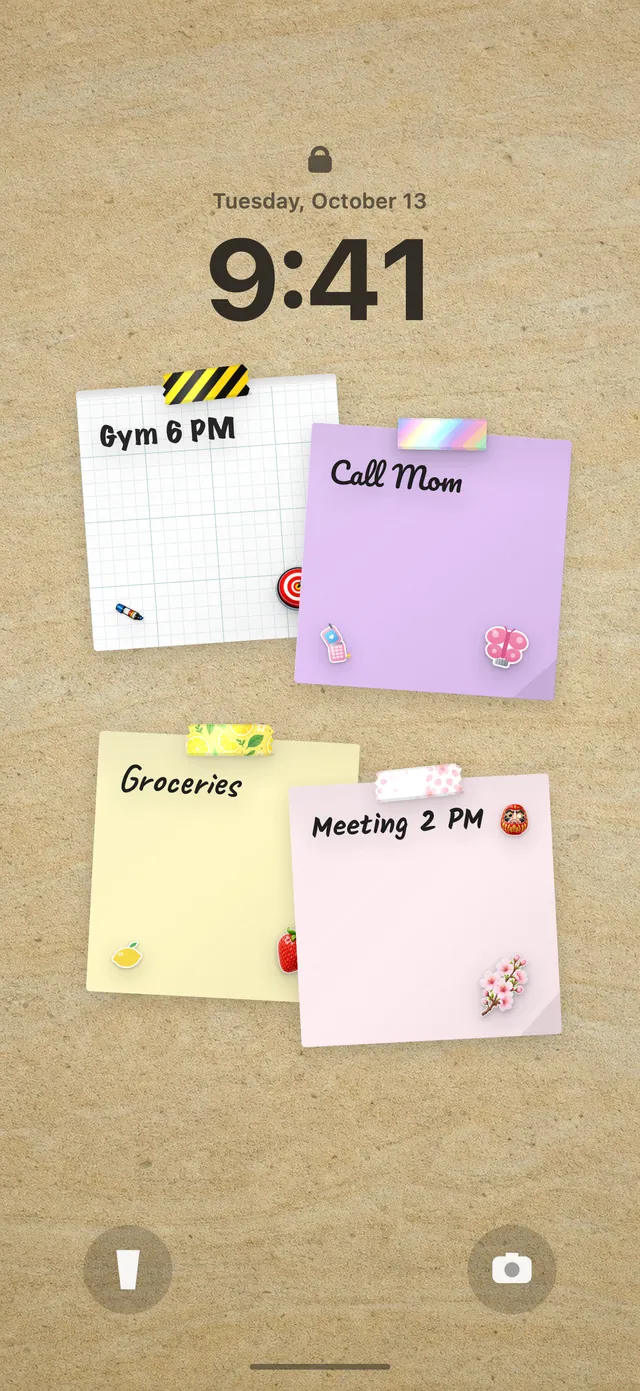
Because your DailyWall wall is your Lock Screen wallpaper, the running paper sits under the clock on your running days. You see it when you switch off the alarm, which is exactly when the decision to run is made. After the run, open DailyWall and tap + on the paper to fill it.
On rest days the paper isn't there at all, so the Lock Screen stays calm. New to putting your wall on the Lock Screen? See our guide to putting notes on your iPhone Lock Screen.
Missed a run? Just run the next one
Rain, a late night, a stiff calf: missing a run is normal. DailyWall has no streak counter; the missed paper stays faded on its day and nothing is added to the next run. Don't double up to catch up; just do your next planned run.
If you keep missing the same day, move it. A run on Saturday morning that happens beats a Wednesday run that never does.
Questions people ask
How many times a week should a beginner run?
Three times a week with rest days in between is a common, sustainable start. That's DailyWall's default: Monday, Wednesday and Friday.
Does DailyWall record my runs with GPS?
No. DailyWall is a reminder and progress paper on your wall and Lock Screen. Record the run itself with the Fitness app, your watch or a running app.
Can I set my running goal in miles?
Distances in the running habit are in kilometers. If you think in miles, a time goal (for example 30 minutes) often works better, or use 5 km for about 3.1 miles.
Should I measure my runs by time or distance?
Time is usually easier for beginners, because it doesn't depend on pace. Switch to distance once you're training for a 5K or 10K.
Is the running habit free?
Yes, your first habit is free and habit papers don't count toward the 5 free notes a day. Pro unlocks unlimited habits.
 A workout tracker that shows up before your excuses do
 A daily walking habit you see every time you check the time
 A daily stretching routine you'll actually remember
 A water intake tracker you see every time you check the time
 A reading habit tracker that keeps your book in sight
 How to build a meditation habit that survives busy weeks
 How to start a journaling habit (and actually keep it)
 How to fix your sleep schedule with one gentle bedtime habit