 DailyWall
 Focus block
 Water the plants
Decide how many focus blocks you want each day (two is a good start) and how long each one is. In DailyWall, tap + → Set up a habit → Productivity → Focus block, choose How many blocks? (1–6, 2 by default) and Block length: 25 min + 5 break, 50 min + 10 break or 90 min deep work. The paper appears on weekdays at 09:00 and fills one dot per block you finish.
Focused work doesn't happen by waiting for a quiet day. It happens because you decided, in advance, that a certain stretch of time belongs to one task. That's the idea behind time blocking, the Pomodoro Technique and "deep work": protect a block, do one thing, take a real break. This page covers how long a block should be, how to protect it, a simple way to choose what goes into it, and how DailyWall counts your focus blocks on a paper on your iPhone Lock Screen every weekday.
25, 50 or 90 minutes?
The three block lengths in DailyWall match three well-known ways of working. Pick the one that fits your work, not the one that sounds most impressive.
Tick the steps as you go
Protect the block
Tick the steps as you go
Set up your focus habit in DailyWall
The focus paper has its own washi tapes (tomato timers, a target, desk lamps) and stickers (a dartboard, noise-cancelling headphones, a desk lamp), used only on this habit. The tomato is a small nod to the Pomodoro, which is Italian for tomato.
Tick the steps as you go
Counting blocks on your Lock Screen
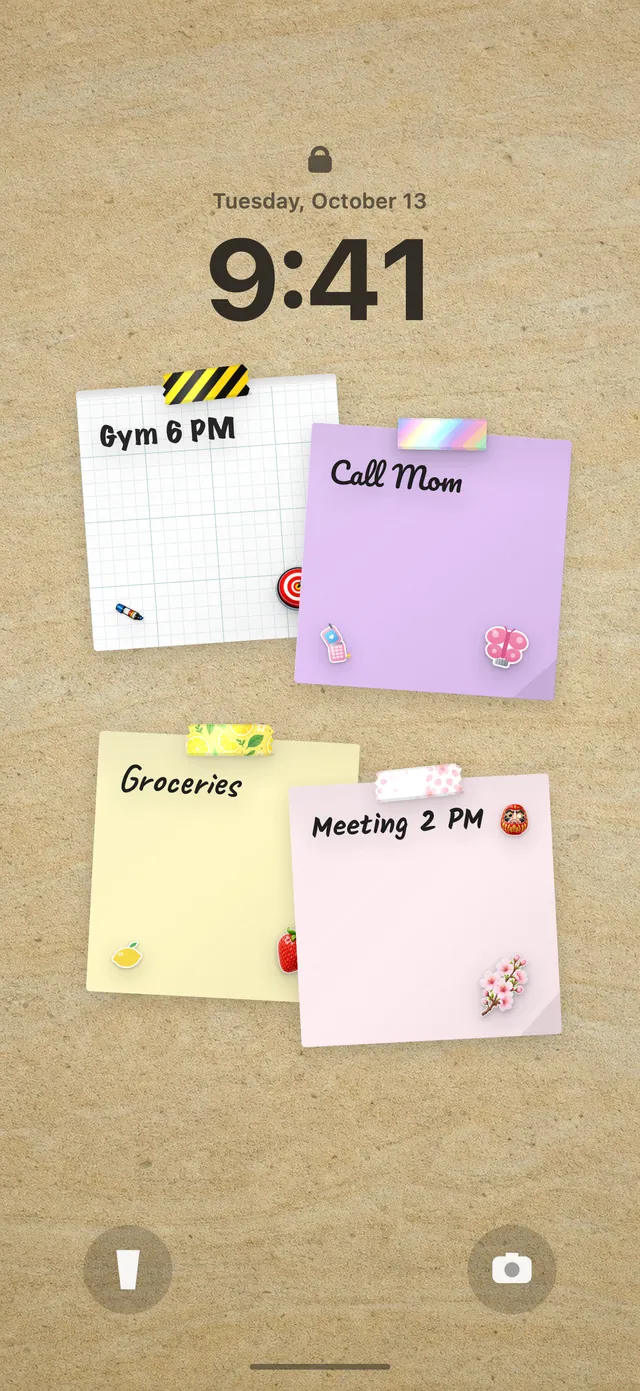
Because your DailyWall wall is your Lock Screen wallpaper, the focus paper sits under the clock with one dot per block. Finish a block, open DailyWall and tap + on the paper; the next dot fills. Seeing "1/2" at lunch is a quiet nudge to protect one more block in the afternoon.
DailyWall isn't a timer, and it doesn't lock your phone during a block. It's the visible plan for the day: how many blocks, how long, and how many are already done.
A messy day isn't a failure
Meetings run over and kids get sick. If a day has no room for a block, the paper simply stays faded on that day; there's no streak to break and nothing carries over. Tomorrow you start again with fresh dots.
If you rarely finish your planned blocks, plan fewer. One block you complete every day builds the habit; four you keep missing builds frustration.
Questions people ask
Is DailyWall a Pomodoro timer?
No. DailyWall counts your focus blocks on a paper on your wall and Lock Screen. Use the Clock app's timer (or any timer you like) for the block itself.
How many focus blocks should I do a day?
Two is a realistic start for most people. DailyWall lets you set 1 to 6 blocks; more than four deep blocks a day is hard to sustain.
Can I use focus blocks for studying?
Yes. The 25 or 50-minute blocks work very well for revision. You can also combine it with the Course / lesson template in the Learning category.
Can I do focus blocks on weekends?
Yes. The habit starts on weekdays, but you can switch to every day or pick specific days.
Is the focus habit free?
Yes, your first habit is free and habit papers don't count toward the 5 free notes a day. Pro unlocks unlimited habits.
 How to wake up early (and keep doing it after the first week)
 A water intake tracker you see every time you check the time
 A reading habit tracker that keeps your book in sight
 A workout tracker that shows up before your excuses do
 How to build a meditation habit that survives busy weeks
 How to start a journaling habit (and actually keep it)
 How to fix your sleep schedule with one gentle bedtime habit
 A vitamin and medicine reminder that sits under the clock