 DailyWall
Aesthetic lock screen wallpapers work when they have a calm top third for the clock, a limited palette of two or three colours and one clear focal point. Popular looks include soft pastel gradients, film-grain photos, cork boards with notes, dark minimal textures and seasonal patterns. You can make your own for free with a browser wallpaper maker and set it from Photos.
The best aesthetic lock screen wallpaper ideas have one thing in common: they still look good with a clock, a date and a row of widgets sitting on top. A photo that’s beautiful in your gallery can turn into a cluttered mess on the Lock Screen. So this list does two jobs. It gives you 45 ideas sorted by mood, from cute and soft to cool and dark, with a few seasonal and useful ones, and it explains how to make each one work on an iPhone. At the end you’ll find how to make your own wallpaper for free in your browser, and how to keep one that changes with your day.
What makes a lock screen wallpaper look aesthetic
“Aesthetic” is a mood rather than a style, but the wallpapers that get saved and shared tend to follow the same few rules. They matter more on the Lock Screen than anywhere else, because iOS puts the time, date and widgets over the top part of the image and two buttons over the bottom corners.
Keep these in mind while you browse the ideas below:
Tick the steps as you go
Soft and minimal aesthetic lock screen ideas
These are the calm ones: easy on the eyes, good with any clock font, and the safest choice if you add widgets.
Tick the steps as you go
Cute lock screen wallpaper ideas
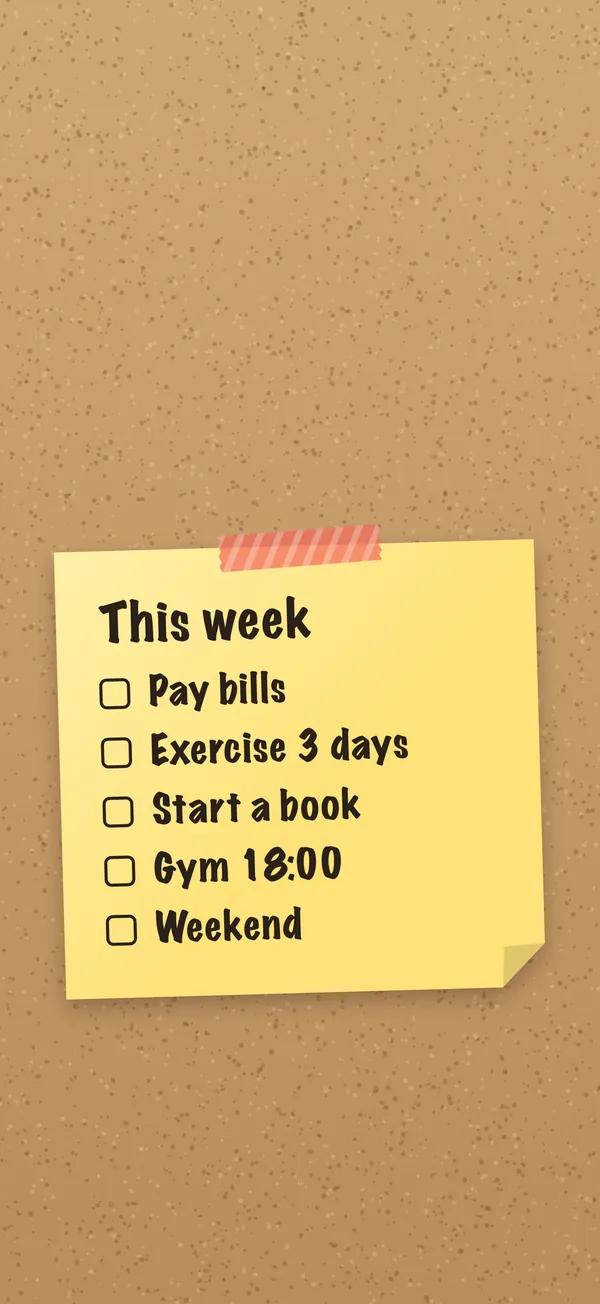
Cute wallpapers lean on colour and small, friendly details. The trick is to keep the cute part in the lower half, so the clock still has a calm background.
Tick the steps as you go
Cool and dark lock screen wallpaper ideas
Dark wallpapers look sharp, save a little attention at night and pair well with a bold or glass-style clock. They also suit the Always On display on iPhones that have it.
Tick the steps as you go
Seasonal lock screen ideas for fall, winter and the holidays
Seasonal wallpapers are a cheap way to make your phone feel new four times a year. Swap them on the first day of the season and the change feels like a small event.
Tick the steps as you go
Useful aesthetic wallpapers: words, lists and reminders
You look at your Lock Screen dozens of times a day, so it’s a good place for a few words that actually help. These ideas look good and do something:
Tick the steps as you go
How to make your own aesthetic lock screen wallpaper for free
If you can’t find the exact look, make it. Our free to-do list wallpaper maker runs entirely in your browser: no sign-up, no watermark, and nothing you type is uploaded. You choose a paper, a handwriting style and a background, type your words, and download a PNG sized for your iPhone, with space left for the clock.
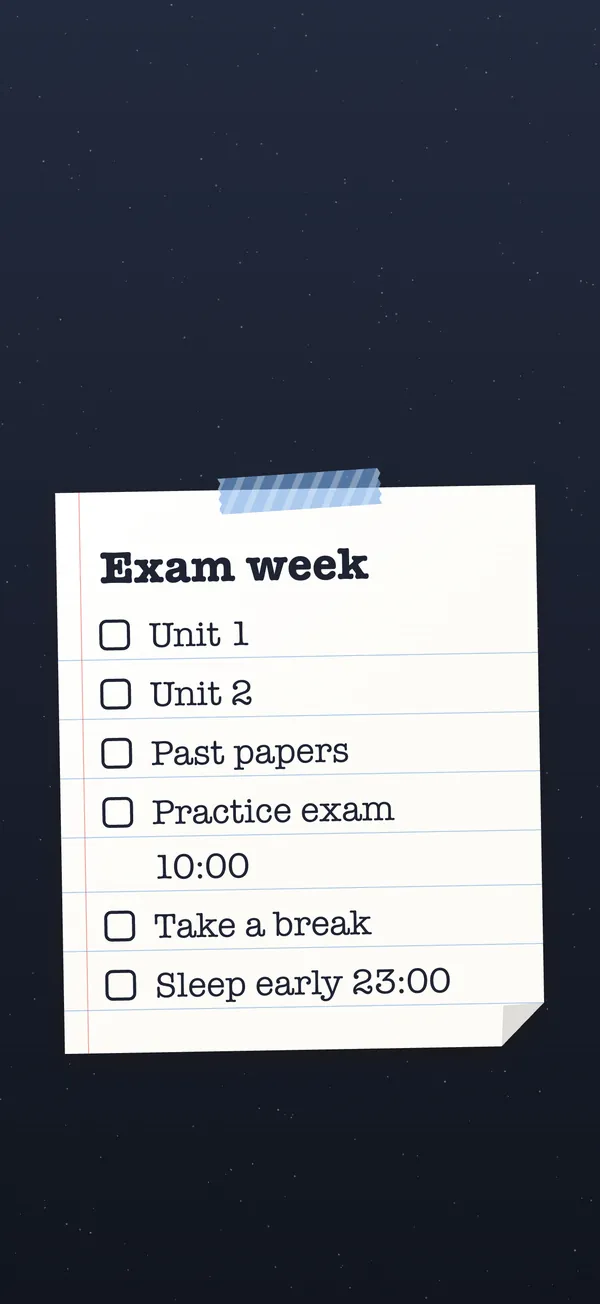
It isn’t only for to-do lists. One line of text on a pastel paper makes a soft quote wallpaper; a note on cork makes a cute one; a yellow note on Midnight makes a cool dark one.
Tick the steps as you go
Setting it up so it still looks good on the Lock Screen
A wallpaper can look perfect in Photos and slightly off on the Lock Screen. A few minutes in the editor fixes most of that:
Tick the steps as you go
A wallpaper that changes with your day
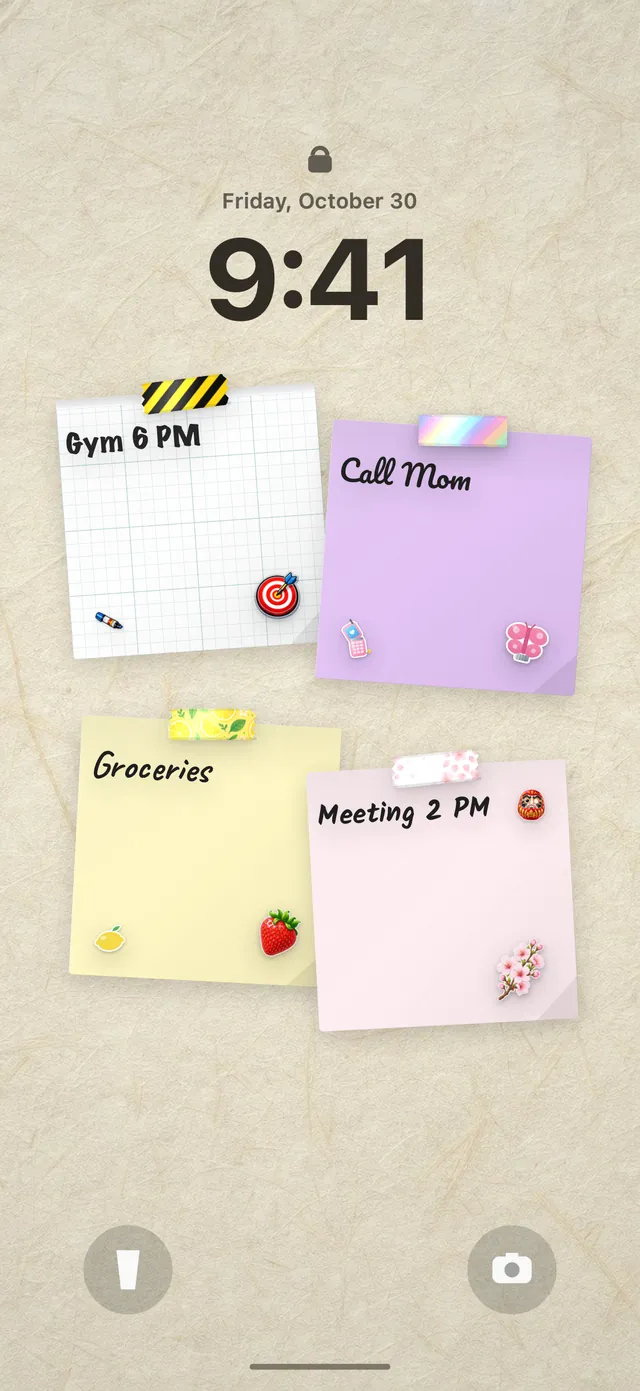
A downloaded wallpaper is a photo, so the moment your list changes, it’s out of date. If you like the notes-and-paper look and want it to stay current, DailyWall turns it into a living wallpaper. You arrange paper notes on a wall for each day, choose handwriting styles, washi tapes, stickers, a wall theme or a ready-made style, and the wall becomes your Lock Screen wallpaper through a Shortcuts automation you set up once. Tick something off, close the app, and the Lock Screen follows. It never saves anything to your Photos library.
The free version gives you five notes a day and the basic decorations, which is plenty for a tidy, aesthetic Lock Screen. Pro adds unlimited notes and all the Pro decoration packs. For more layouts, see our list of iPhone Lock Screen ideas.
Questions people ask
What is an aesthetic lock screen?
A Lock Screen where the wallpaper, clock and widgets look like they belong together: a limited colour palette, one focal point and a calm area behind the time.
How do I make my own aesthetic lock screen wallpaper?
Use a free tool like the DailyWall to-do list wallpaper maker in your browser: choose a paper, handwriting and background, type your words and download a PNG sized for your iPhone. Then set it from Photos with Share → Use as Wallpaper.
What size should a lock screen wallpaper be for iPhone?
Use your iPhone’s native resolution, for example 1179 × 2556 or 1206 × 2622 on recent standard and Pro models and 1290 × 2796 or 1320 × 2868 on Pro Max models. The wallpaper maker detects this automatically on iPhone.
Why does my wallpaper look zoomed in on the Lock Screen?
The image probably isn’t the same shape as your screen. In the Lock Screen editor, pinch out to fit it, or remake it at your iPhone’s exact size.
Can I have a different wallpaper on the Lock Screen and Home Screen?
Yes. When you add a new wallpaper, choose Customize Home Screen instead of Set as Wallpaper Pair, then pick a different photo, colour or a blurred version.
Can a lock screen wallpaper show my to-do list?
Yes. Make a one-off image with the wallpaper maker, or use DailyWall to keep a notes wall as your Lock Screen that updates when your list changes.