Black Friday: Pro half price for year oneon the yearly plan, until 1 Dec. The discount shows on Apple’s purchase sheet.Get it
DailyWall Get the app

Aesthetic widgets for iPhone: 30 cute sticky note styles

Updated November 3, 20263 min readSerkan Kaplan

Quick answer

For aesthetic widgets on iPhone, pick a widget app that lets you style the widget itself, not only the color. DailyWall shows your notes as paper sticky notes with washi tape, stickers and handwriting in 130+ ready-made styles (coquette, pastel, retro, Y2K, sakura, minimal and more). Add its widget from the Home Screen widget gallery, and match the style to your wallpaper.

An aesthetic Home Screen is not only icons and a wallpaper. The widgets are the biggest things on it, so they set the mood. Here are 30 widget styles made of paper sticky notes, each with its own washi tape, stickers and handwriting, from coquette pink to Y2K chrome. Every one is a real style from the DailyWall app, drawn by the app itself, and you can put them on your Home Screen, your Lock Screen and your Apple Watch.

Cute and coquette widgets

Bows, hearts, bunnies and soft pink paper. These are the most requested styles for a cute Home Screen, and they pair well with a light, airy wallpaper.
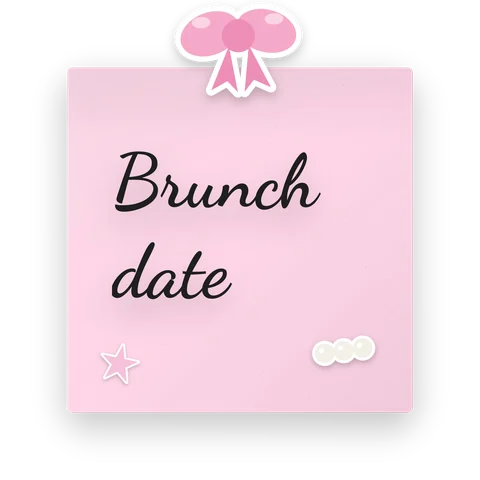
Coquette aesthetic sticky note widget style for iPhone with washi tape and stickers, reading “Brunch date”
Coquette Free
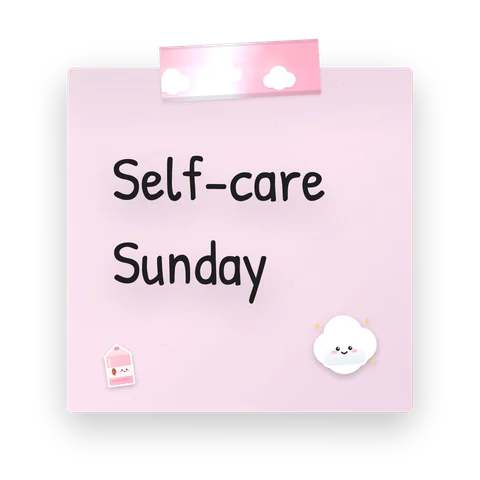
Cotton candy aesthetic sticky note widget style for iPhone with washi tape and stickers, reading “Self-care Sunday”
Cotton candy Pro
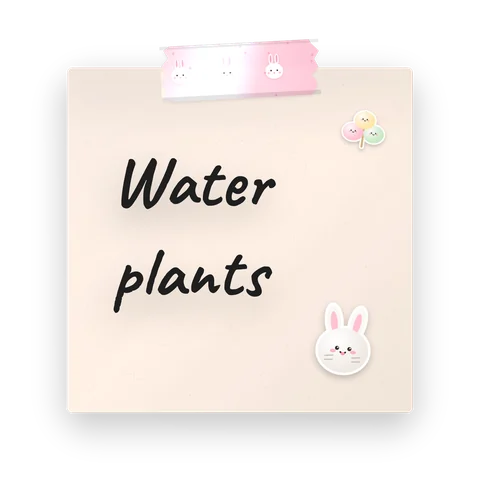
Bunny aesthetic sticky note widget style for iPhone with washi tape and stickers, reading “Water plants”
Bunny Pro
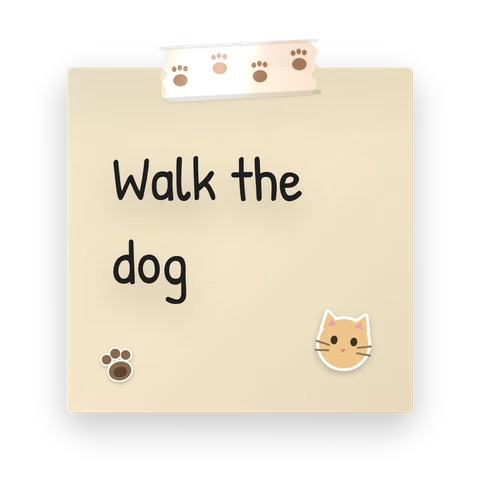
Paws aesthetic sticky note widget style for iPhone with washi tape and stickers, reading “Walk the dog”
Paws Free
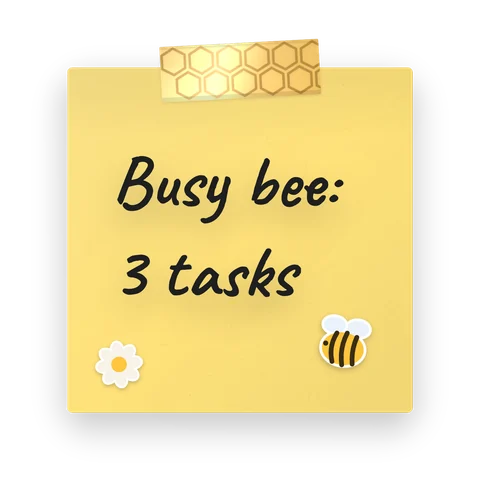
Honeybee aesthetic sticky note widget style for iPhone with washi tape and stickers, reading “Busy bee: 3 tasks”
Honeybee Free
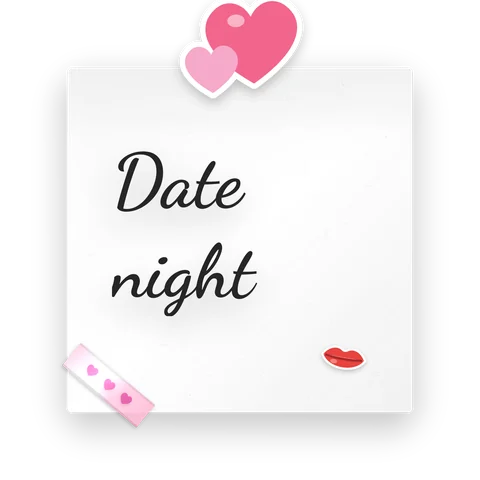
Heart to heart aesthetic sticky note widget style for iPhone with washi tape and stickers, reading “Date night”
Heart to heart Free
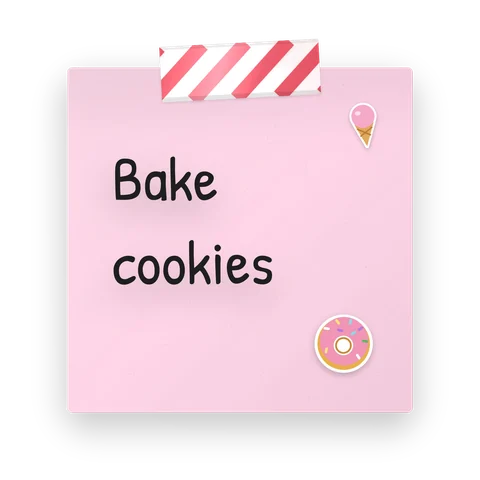
Sweet aesthetic sticky note widget style for iPhone with washi tape and stickers, reading “Bake cookies”
Sweet Free
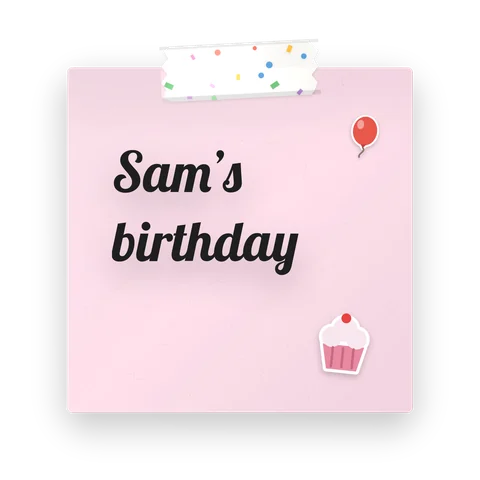
Birthday aesthetic sticky note widget style for iPhone with washi tape and stickers, reading “Sam’s birthday”
Birthday Free

Pastel widgets

Lilac, mint, sky blue and soft fruit colors. Pastels look calm next to almost any wallpaper and keep the Home Screen readable.
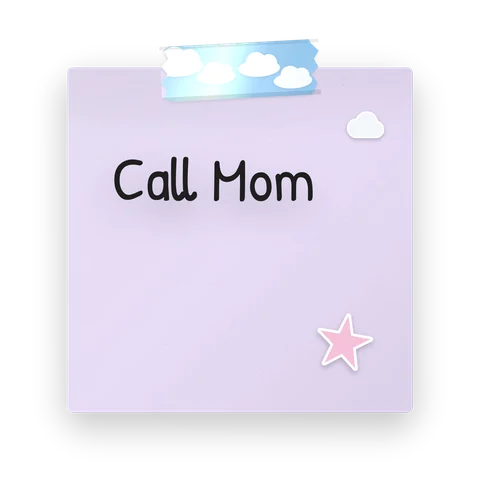
Lilac aesthetic sticky note widget style for iPhone with washi tape and stickers, reading “Call Mom”
Lilac Free
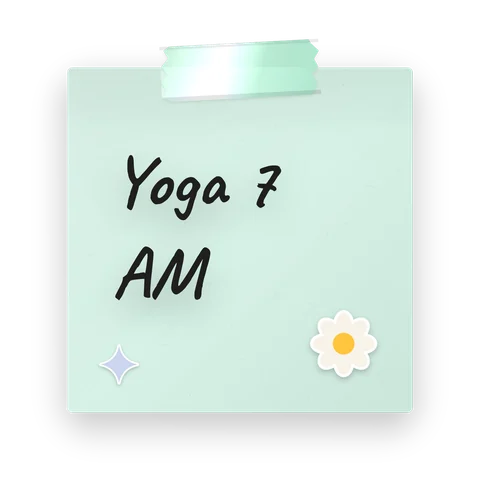
Mint aesthetic sticky note widget style for iPhone with washi tape and stickers, reading “Yoga 7 AM”
Mint Free
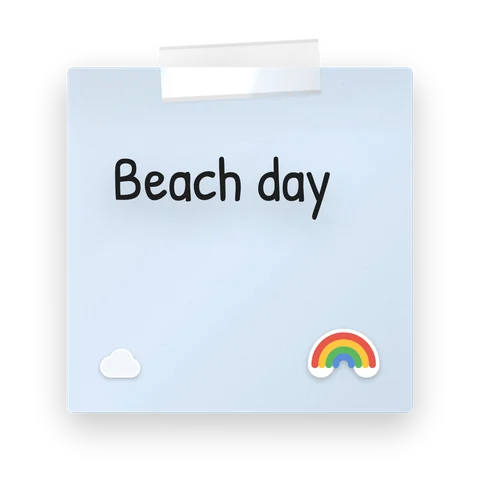
Sky aesthetic sticky note widget style for iPhone with washi tape and stickers, reading “Beach day”
Sky Free
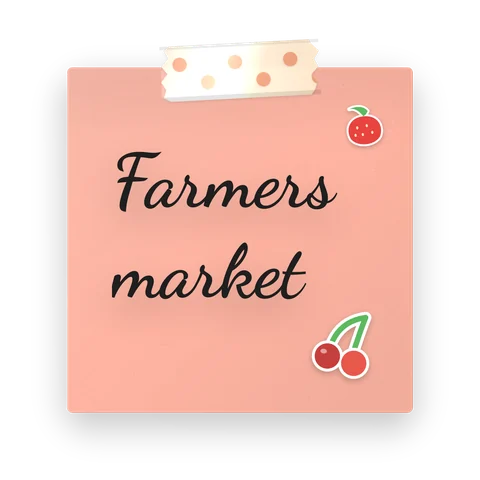
Cherries aesthetic sticky note widget style for iPhone with washi tape and stickers, reading “Farmers market”
Cherries Free
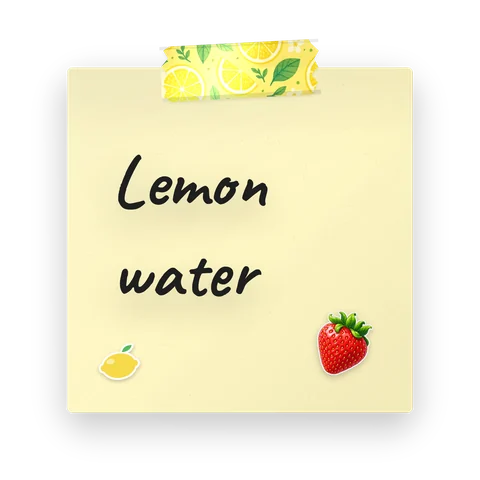
Lemonade aesthetic sticky note widget style for iPhone with washi tape and stickers, reading “Lemon water”
Lemonade Pro
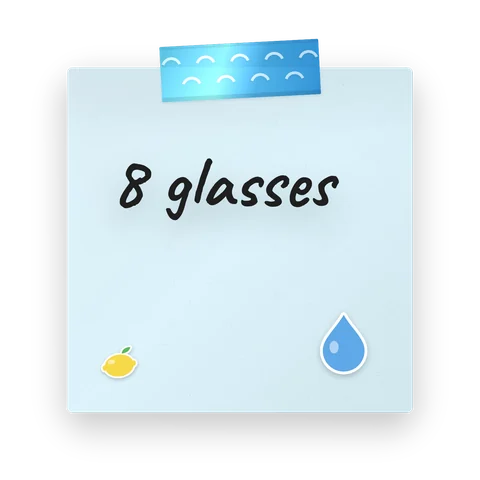
Drink water aesthetic sticky note widget style for iPhone with washi tape and stickers, reading “8 glasses”
Drink water Free

Japanese and nature widgets

Sakura blossoms, Kyoto washi, botanical leaves and a sleeping cat: quiet styles for a minimalist, natural setup.
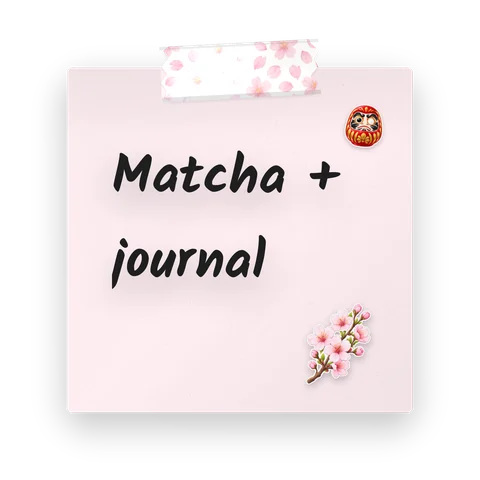
Sakura aesthetic sticky note widget style for iPhone with washi tape and stickers, reading “Matcha + journal”
Sakura Pro
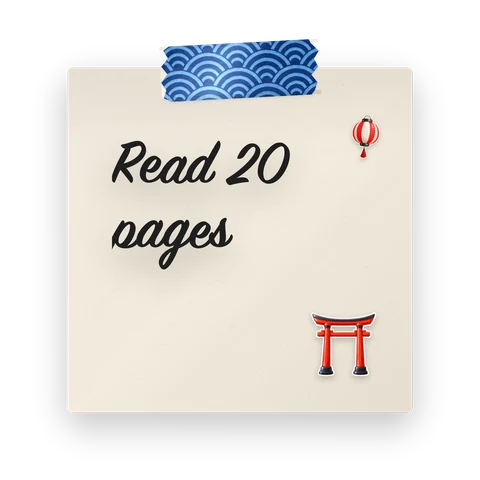
Kyoto aesthetic sticky note widget style for iPhone with washi tape and stickers, reading “Read 20 pages”
Kyoto Pro
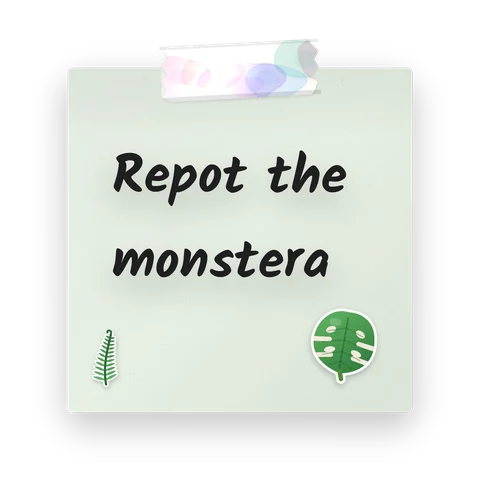
Botanical aesthetic sticky note widget style for iPhone with washi tape and stickers, reading “Repot the monstera”
Botanical Pro
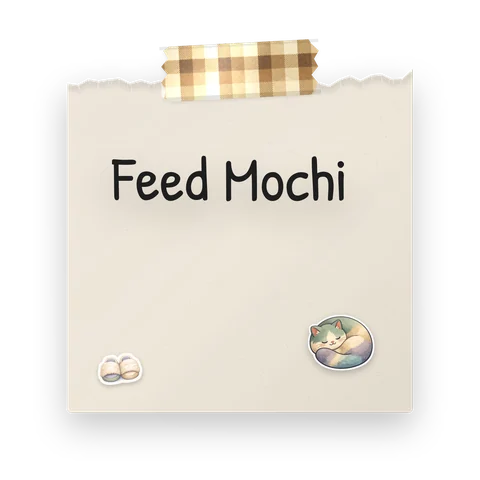
Cat nap aesthetic sticky note widget style for iPhone with washi tape and stickers, reading “Feed Mochi”
Cat nap Pro
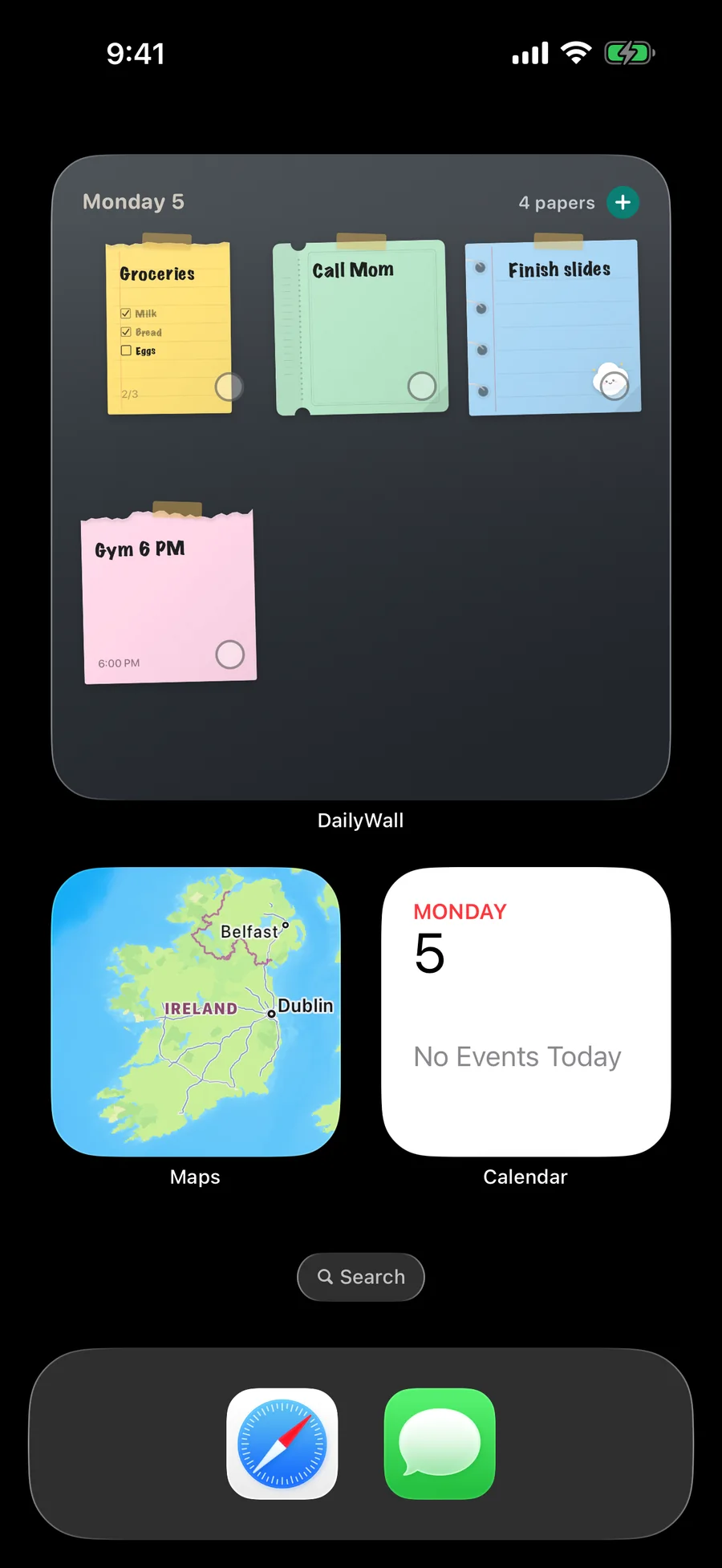
The DailyWall widget on the iPhone Home Screen with four paper sticky notes

Dark and dreamy widgets

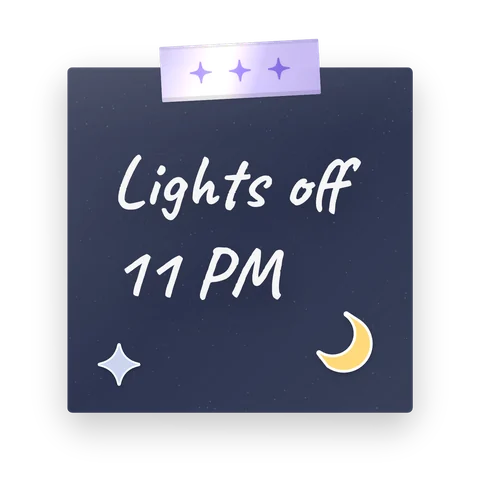
For dark mode and night wallpapers: a galaxy note with an astronaut and a moonlit navy note. White handwriting stays readable on a dark Home Screen.
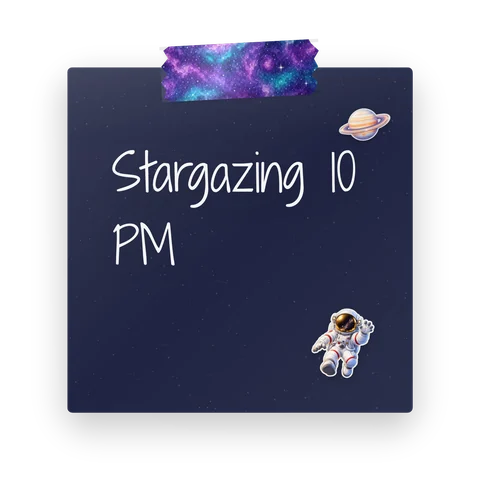
Galaxy aesthetic sticky note widget style for iPhone with washi tape and stickers, reading “Stargazing 10 PM”
Galaxy Pro
Moonlight aesthetic sticky note widget style for iPhone with washi tape and stickers, reading “Lights off 11 PM”
Moonlight Free

Retro and Y2K widgets

70s colors, Y2K holographic tape, pixel fonts and cassette stickers, for a playful, nostalgic Home Screen.
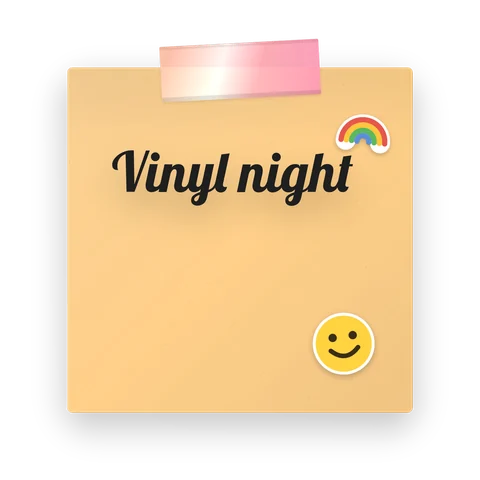
Retro 70s aesthetic sticky note widget style for iPhone with washi tape and stickers, reading “Vinyl night”
Retro 70s Free
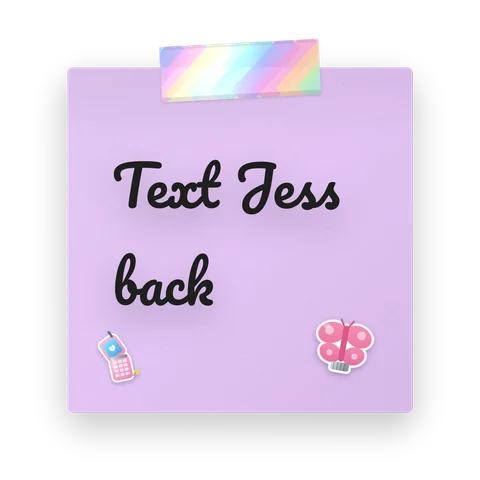
Y2K aesthetic sticky note widget style for iPhone with washi tape and stickers, reading “Text Jess back”
Y2K Pro
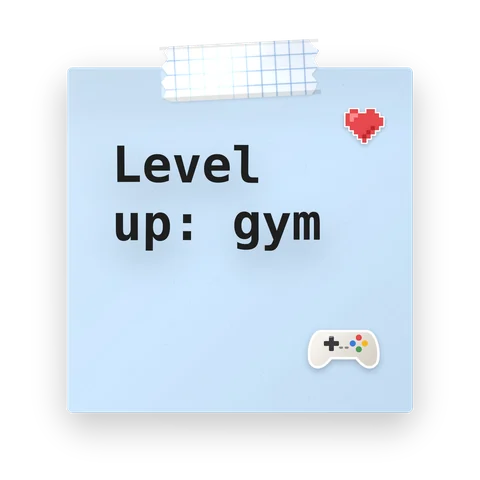
Pixel aesthetic sticky note widget style for iPhone with washi tape and stickers, reading “Level up: gym”
Pixel Pro
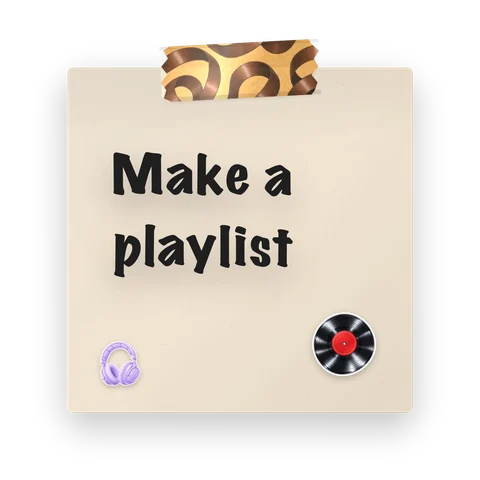
Cassette aesthetic sticky note widget style for iPhone with washi tape and stickers, reading “Make a playlist”
Cassette Pro

Minimal and cozy widgets

Marble, kraft paper, café notes and calm monochrome: clean styles that still feel handmade.
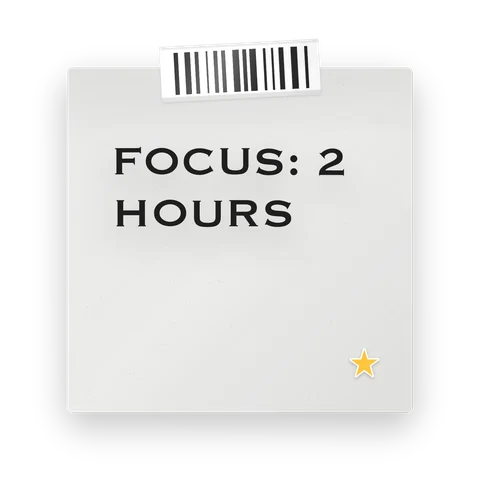
Minimal aesthetic sticky note widget style for iPhone with washi tape and stickers, reading “Focus: 2 hours”
Minimal Free
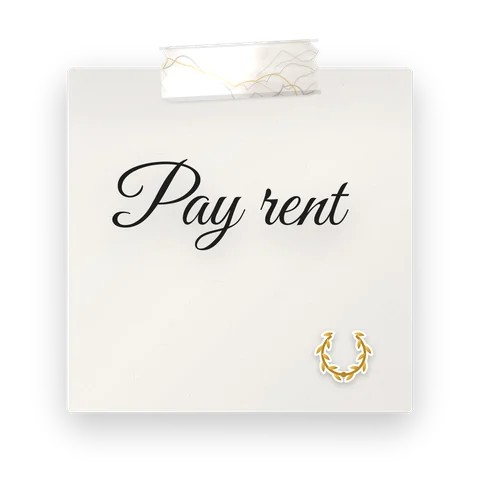
Marble aesthetic sticky note widget style for iPhone with washi tape and stickers, reading “Pay rent”
Marble Pro
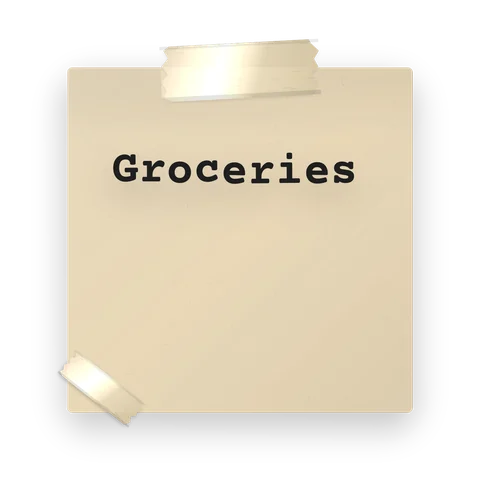
Kraft aesthetic sticky note widget style for iPhone with washi tape and stickers, reading “Groceries”
Kraft Free
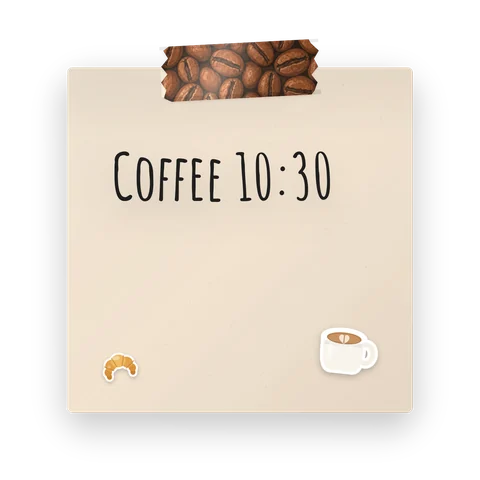
Café aesthetic sticky note widget style for iPhone with washi tape and stickers, reading “Coffee 10:30”
Café Pro
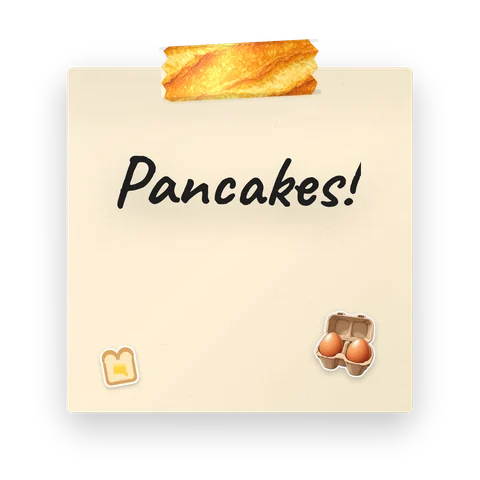
Sunday brunch aesthetic sticky note widget style for iPhone with washi tape and stickers, reading “Pancakes!”
Sunday brunch Pro
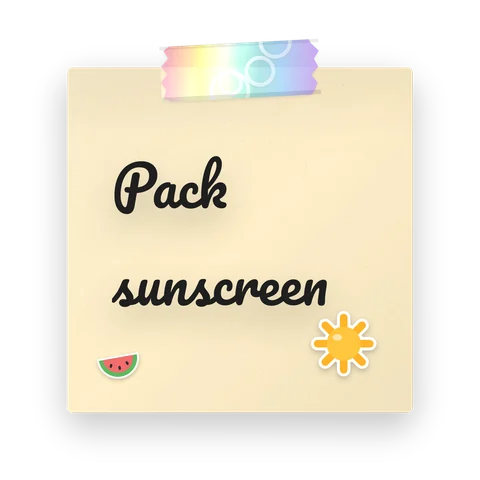
Beach holiday aesthetic sticky note widget style for iPhone with washi tape and stickers, reading “Pack sunscreen”
Beach holiday Free

How to add aesthetic widgets to your iPhone Home Screen

Tick the steps as you go


Aesthetic Lock Screen with the same notes

Lock Screen widgets are small and drawn in a single tint, so they can’t show colorful paper. For an aesthetic Lock Screen, DailyWall turns today’s notes into the wallpaper instead: a Shortcuts automation, set up once, sets your wall as the Lock Screen every time you close the app, so the notes stay current. See aesthetic Lock Screen ideas and the best Lock Screen widgets.
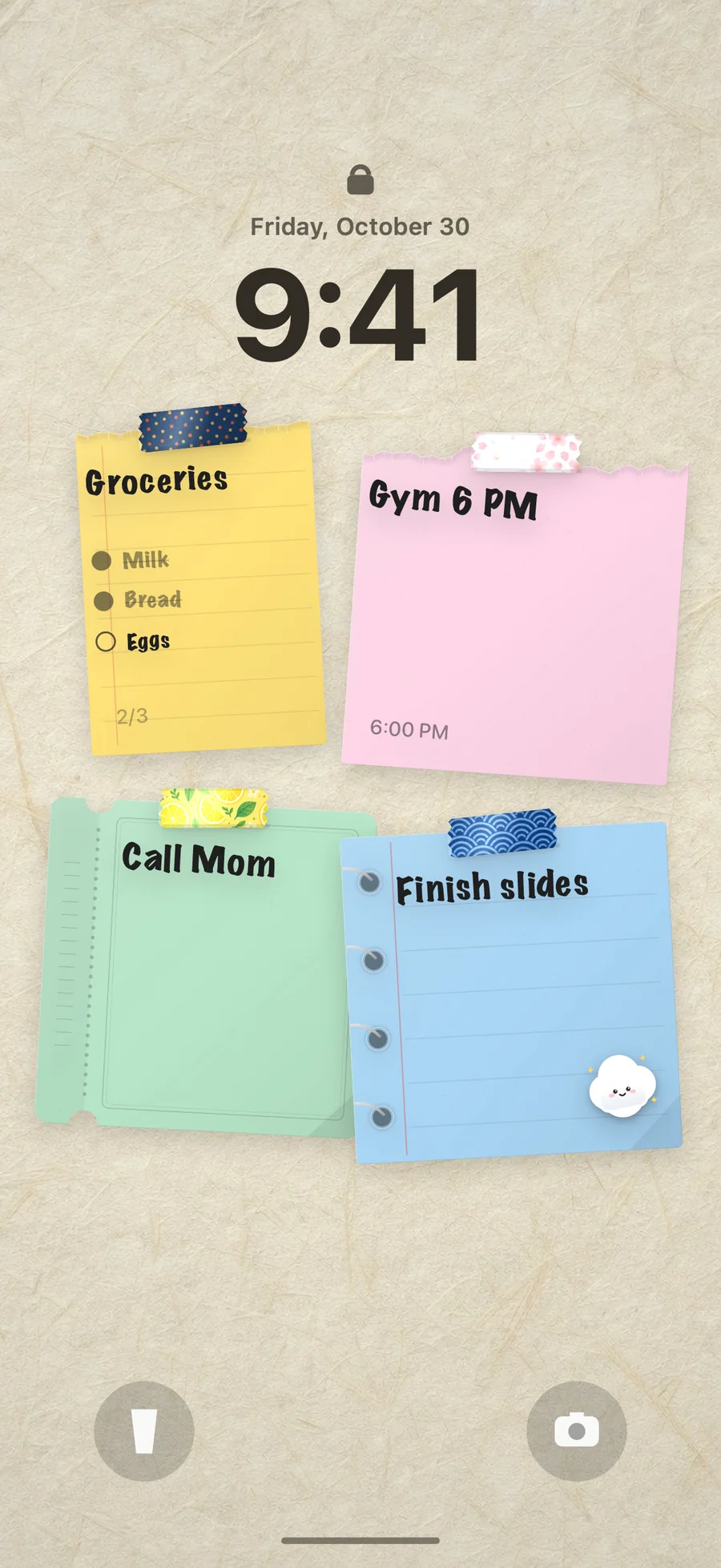
A to-do list and sticky notes as an iPhone Lock Screen wallpaper

Tips for a cohesive aesthetic Home Screen

Pick one palette. Two or three styles from the same family (all pastel, or all retro) look more intentional than a mix.

Match the wallpaper. Light wallpapers suit pastel and coquette notes; dark wallpapers suit galaxy and moonlight styles.

Leave space. One medium widget plus a few icons looks calmer than a full page of widgets.

Keep it useful. A widget showing today’s real notes is one you will look at; a decorative one you will stop seeing after a week.

Questions people ask

How do I make my iPhone widgets aesthetic?

Use a widget app that styles the widget itself. DailyWall shows your notes as paper sticky notes with washi tape, stickers and handwriting, in 130+ ready-made styles. Add the widget from the Home Screen widget gallery and pick styles that match your wallpaper.

Are these widget styles free?

Many are. Styles marked Free can be used without paying; styles marked Pro come with DailyWall Pro. You can start free with 5 notes a day and no account.

Can I put aesthetic widgets on the Lock Screen?

Lock Screen widgets are drawn small and in one tint by iOS, so they can’t show colorful paper. DailyWall puts the colorful notes on the Lock Screen as the wallpaper instead, updated automatically.

Do the widgets work on iPad and Apple Watch?

Yes. On iPad the widget also comes in an extra-large size, and on Apple Watch you see today’s notes and their checklists.

Can I share an aesthetic widget with my partner or friends?

Yes. A shared wall in DailyWall has its own widget, so their notes appear on your Home Screen in their chosen style.

DailyWallOn your Home Screen, too.Get the app